
Portable HDD Enclosure (Sealed in Box)
R$20
New


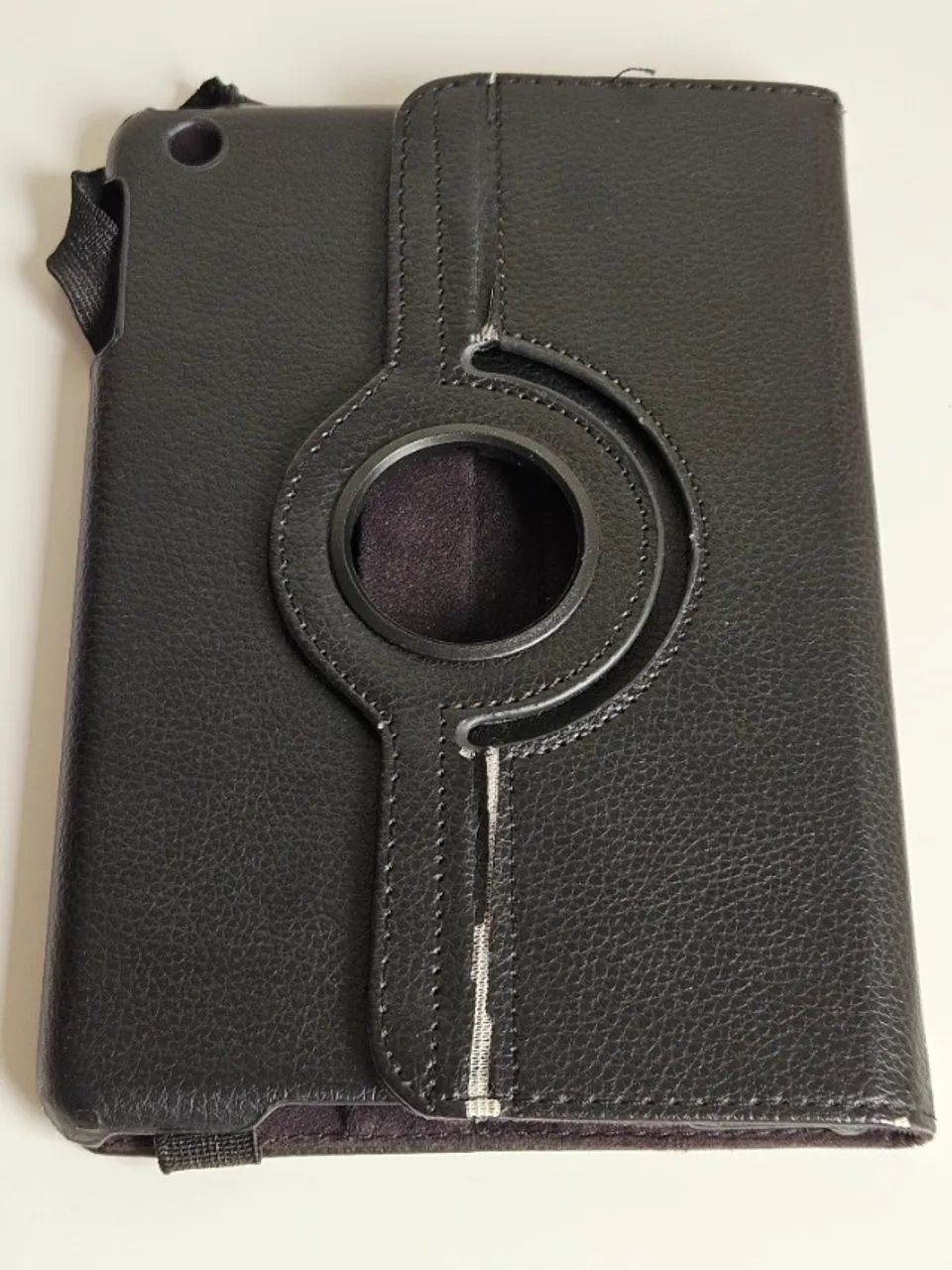
No signs of use. Includes charger, cable, and case. Does not include original box. Everything functions normally. It supports updates up to iOS 9.3.5 / 9.3.6, meaning it is a legacy (older) device, and most modern apps from the App Store are no longer compatible with it. The App Store does not allow you to directly download a new app if it requires a newer version of iOS; however, if the app is already associated with your account (in your purchase history), Apple often offers the download of the last version compatible with iOS 9. If you do not have the app in your account, follow these steps: Use a more modern Apple device (e.g., an iPhone or iPad belonging to a friend or family member) and temporarily sign in with your Apple ID on it. Download the desired app (e.g., YouTube, Netflix, Outlook) onto that modern device. This will associate the app with your historical account. Return to your older iPad mini, open the App Store, and go to the Purchased tab. Locate the app in the list and tap the cloud icon to download it. The system will display a prompt: "Do you want to download the latest compatible version?" — simply confirm. Many services whose apps no longer run on iOS 9 offer excellent websites that work directly in the browser. You can add them as icons to your home screen so they appear like native apps. Open Safari and navigate to the service's website (e.g., youtube.com, netflix.com, or social media sites). Tap the Share button (the square-with-upward-arrow icon). Select "Add to Home Screen". An icon will be created on your home screen, functioning as a direct shortcut. Note: Since Safari on iOS 9 is also outdated, some modern streaming websites may encounter loading errors or incompatible video players. If Safari fails, try downloading lighter alternative browsers using the method described in item 1 (e.g., Opera Mini or Dolphin Browser).


olx
olx


